
Introduction
TINKER is a desktop toolbox application that brings together a variety of productivity tools. Whether you need quick calculations, image compression, or drawing diagrams, TINKER provides high-quality built-in plugins to handle common tasks efficiently.
Why TINKER?
In daily work and life, we often need various small tools: a calculator, a color picker, an image compressor, and so on. Typically, these tools are scattered across different applications or websites, requiring frequent switching between them. TINKER solves this problem by integrating multiple productivity tools into a single, unified application.
- Quick Access: Launch with a keyboard shortcut, search for the tool you need, and press Enter to open it. When you're done, TINKER automatically hides itself.
- High Quality: Each built-in plugin is carefully crafted to ensure a smooth and reliable user experience.
- Extensible: Beyond the built-in plugins, TINKER supports installing excellent third-party tools to expand its capabilities.
Supported Platforms
TINKER supports the following platforms:
- Windows x64
- macOS Apple silicon
- macOS Intel chip
- Linux
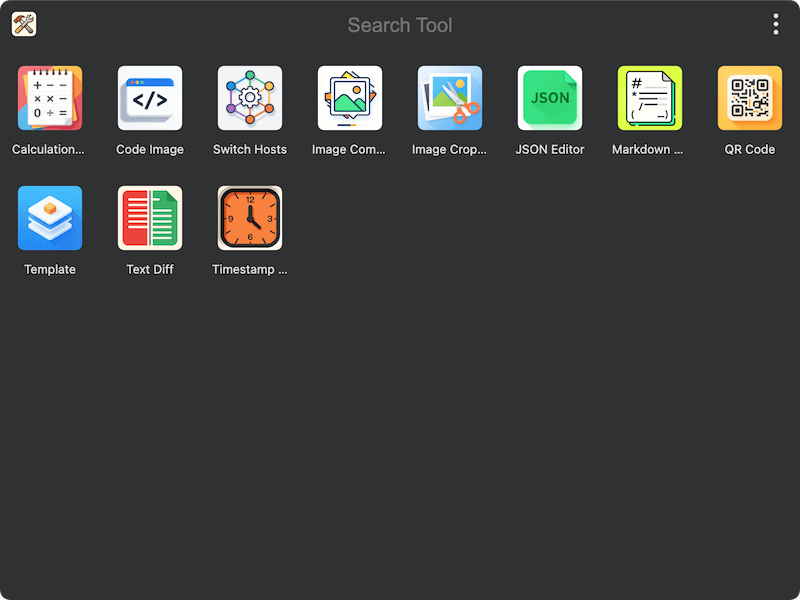
By reading the following guide, you will learn how to install, configure, and make the most of TINKER to boost your productivity.