
tinker-notepad
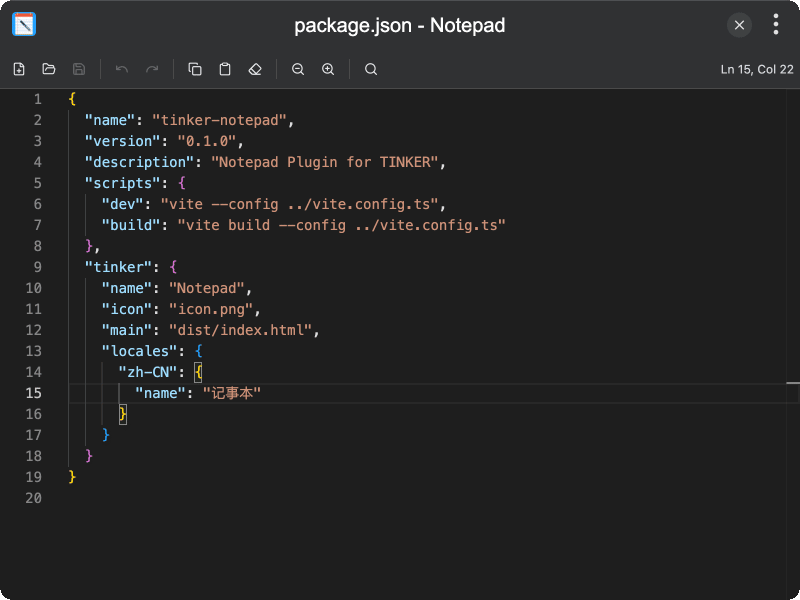
A lightweight text editor plugin for TINKER, powered by Monaco Editor with syntax highlighting and language detection.
Features
- Monaco Editor — edit text with syntax highlighting, line numbers, and word wrap
- Language detection — automatically detects file language based on file extension
- File operations — create new files, open existing text files, save and save as
- Unsaved changes detection — track modifications with file change indicator
- Undo/Redo — full undo and redo support
- Search — built-in search functionality via Monaco Editor
- Clipboard support — copy content or paste from clipboard
- Font size adjustment — increase or decrease editor font size
- Cursor position — display current line and column number in the toolbar
Usage
- Launch the plugin to start editing in a blank document
- Click Open to load a text file, or click New to create a blank document
- Edit text with syntax highlighting powered by Monaco Editor
- Use the Search button or keyboard shortcut to find text within the document
- Adjust the font size using the Zoom In and Zoom Out buttons
- Click Save to save changes back to the file