
tinker-ai-chat
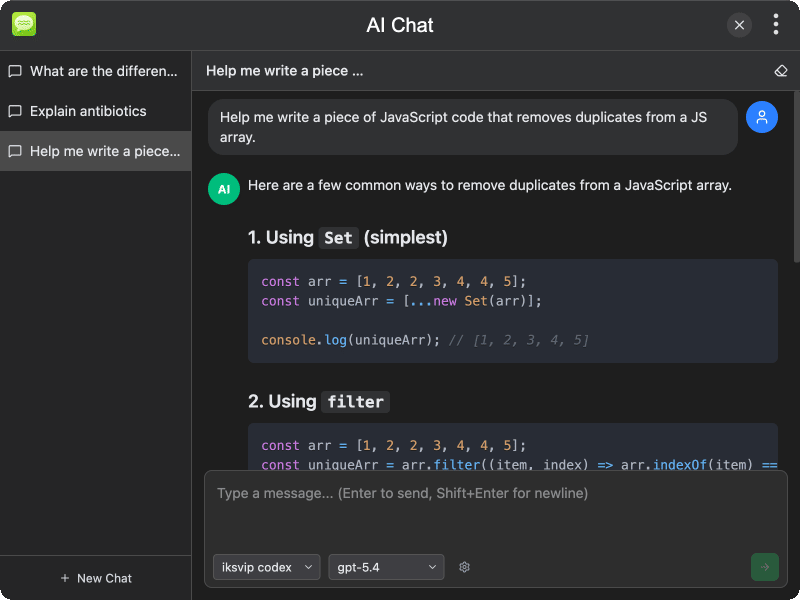
An AI chat plugin for TINKER that provides a multi-session conversational interface with support for various AI providers and web search capabilities.
Features
- Multi-session management — create, switch, and delete multiple chat sessions
- Multi-provider support — works with various AI providers and models
- System prompts — customize AI behavior per session with custom system prompts
- Web search — AI can search the web and display results inline in the conversation
- Message management — retry, delete, or clear messages within a session
- Session persistence — conversations are saved and restored across sessions
- Bilingual UI — supports English and Chinese
Usage
- Select an AI provider and model from the dropdown
- Click the new chat button to start a conversation
- Type your message in the input area and press Enter or click the send button
- The AI will respond, optionally using web search to find relevant information
- Click the settings icon to configure a system prompt for the current session
- Use the sidebar to switch between or manage multiple sessions