
Introduction
TINKER is a desktop toolbox application that brings together a variety of productivity tools. Whether you need quick calculations, image compression, or drawing diagrams, TINKER provides high-quality built-in plugins to handle common tasks efficiently.
Why TINKER?
In daily work and life, we often need various small tools: a calculator, a color picker, an image compressor, and so on. Typically, these tools are scattered across different applications or websites, requiring frequent switching between them. TINKER solves this problem by integrating multiple productivity tools into a single, unified application.
- Instant Launch: Launch with a shortcut, search and open tools with Enter, then auto-hide when done.
- Agent Ready: CLI, MCP, and Agent Skills let AI open and call tools directly.
- Ready Out of the Box: A large set of high-quality built-in tools covering coding, images, files, terminal, and more.
- Local First: Tools run on your device, data stays local and can be freely exported for backup, and everyday use works offline.
- Freely Extensible: Install official, third-party, web, and game plugins to grow the toolbox.
Supported Platforms
TINKER supports the following platforms:
- Windows x64
- macOS Apple silicon
- macOS Intel chip
- Linux
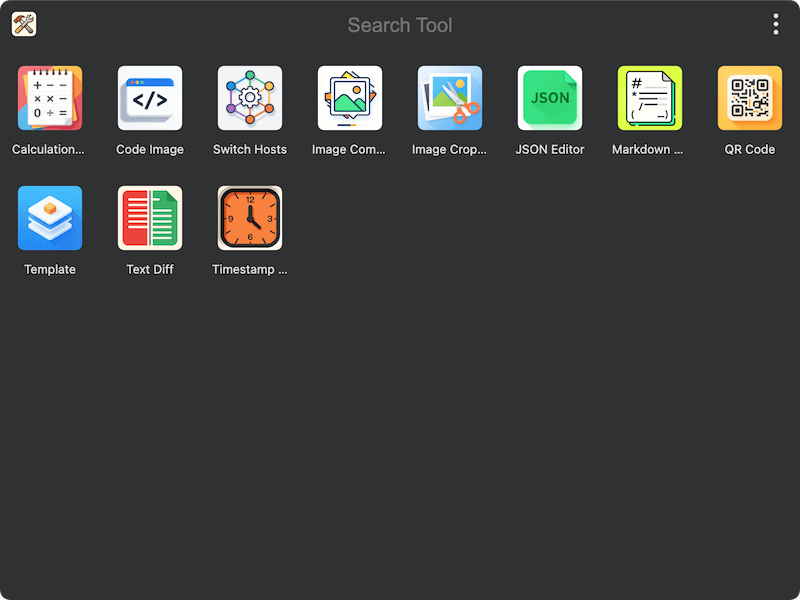
By reading the following guide, you will learn how to install, configure, and make the most of TINKER to boost your productivity.