
tinker-translate
Translation plugin with Google Translate, Bing Translate, and AI translation support.
Features
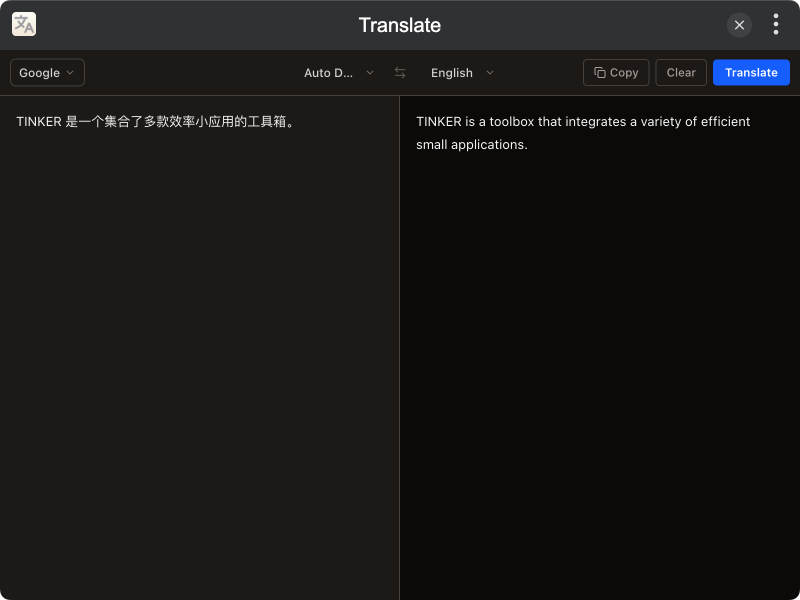
- Multiple Engines — Google Translate, Bing Translate, and AI translation
- Auto Detection — Automatically detect source language
- Swap Languages — One-click swap between source and target languages
- Paste to Translate — Quickly paste clipboard content for translation
- Copy Result — One-click copy of translation result
- Bilingual UI — Supports Chinese and English
- Dark Mode — Supports dark theme
Installation
Download and install TINKER, then run:
bash
npm i -g tinker-translateUsage
- Select a translation engine (Google, Bing, or AI) from the dropdown
- Choose source and target languages, or use auto-detection
- Enter or paste text in the left panel
- Click Translate to start translation
- View the result in the right panel
- Click copy to copy the translation result