
tinker-gamepad
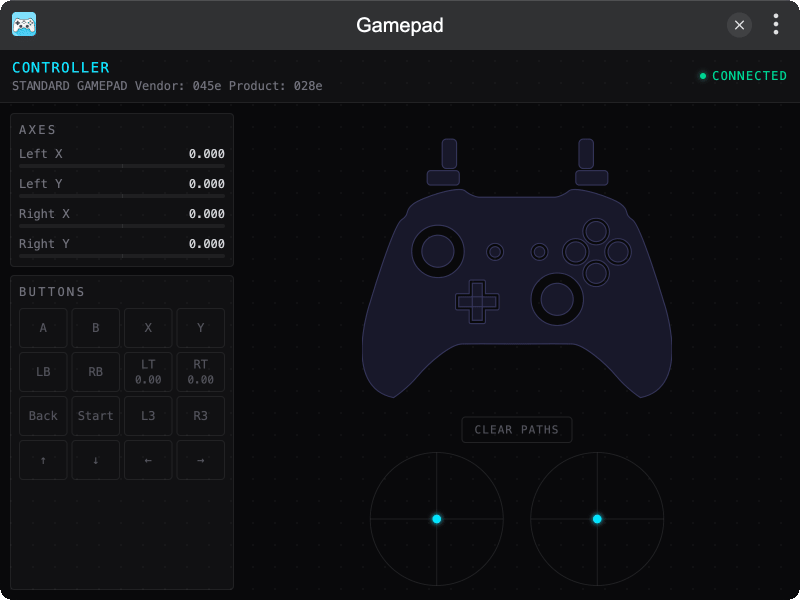
A gamepad tester plugin for TINKER, supporting multiple controllers with real-time input visualization.
Features
- Real-time Input visualization for buttons, axes, and triggers
- Multiple Gamepads support with player switcher
- Stick Path Tracing for analog stick movement history
- Dark Mode support
Installation
Play directly in browser, or install via TINKER: download from https://tinker.liriliri.io/, then run npm i -g tinker-gamepad.
Usage
- Connect a gamepad via USB or Bluetooth and press any button
- View live button states, axis values, and controller diagram
- Switch between players using the P1/P2/P3/P4 buttons in the header
- Click CLEAR PATHS to reset stick movement trails