
tinker-clipboard
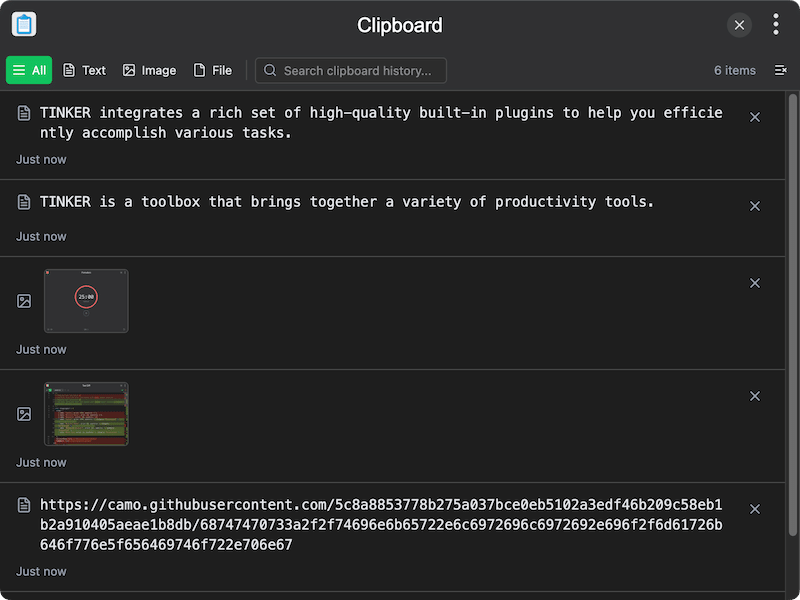
A clipboard manager plugin for TINKER that monitors and records clipboard history, supporting text, images, and files.
Features
- Clipboard monitoring — automatically records clipboard changes in real time
- Multiple content types — supports text, images, and file entries
- Filter and search — filter by content type (All/Text/Image/File) and search through clipboard history
- Quick copy — click any item to copy it back to the clipboard
- Infinite scroll — efficiently loads clipboard history with lazy loading
- Duplicate detection — automatically detects and avoids duplicate entries
- Bilingual UI — supports English and Chinese
Usage
- The plugin automatically starts monitoring your clipboard
- Copy any text, image, or file to see it appear in the history
- Use the filter tabs to show only text, image, or file entries
- Use the search bar to find specific items
- Click an item to copy it back to the clipboard
- Click the delete button to remove individual items, or use the clear button to remove all items