
tinker-white-noise
White noise plugin with multiple natural ambient sounds and shader-powered dynamic scenes to help you relax and focus.
Features
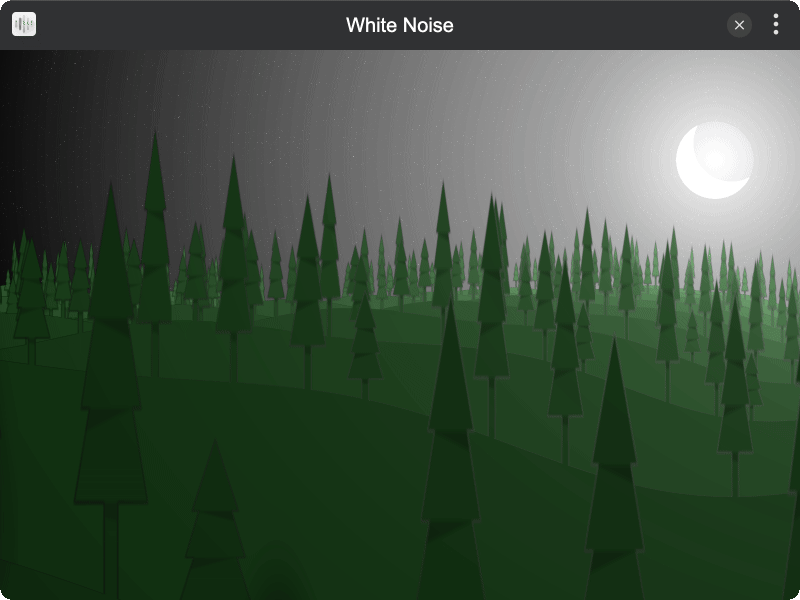
- Multiple Scenes — Snowy, rainy, seaside, fire, deep ocean, and night environments
- Dynamic Visuals — Real-time shader-rendered animated scenes
- Volume Control — Mute, 25%, 50%, 75%, and 100% volume levels
- Fullscreen — Immersive fullscreen experience
- Context Menu — Right-click to quickly switch scenes and adjust volume
Installation
Play directly in browser, or install via TINKER: download from https://tinker.liriliri.io/, then run npm i -g tinker-white-noise.
Usage
- The default scene plays automatically when the plugin opens
- Right-click the screen to open the context menu
- Select a different scene to switch ambient sound and visuals
- Adjust volume in the volume submenu
- Click fullscreen for an immersive experience