
tinker-base64
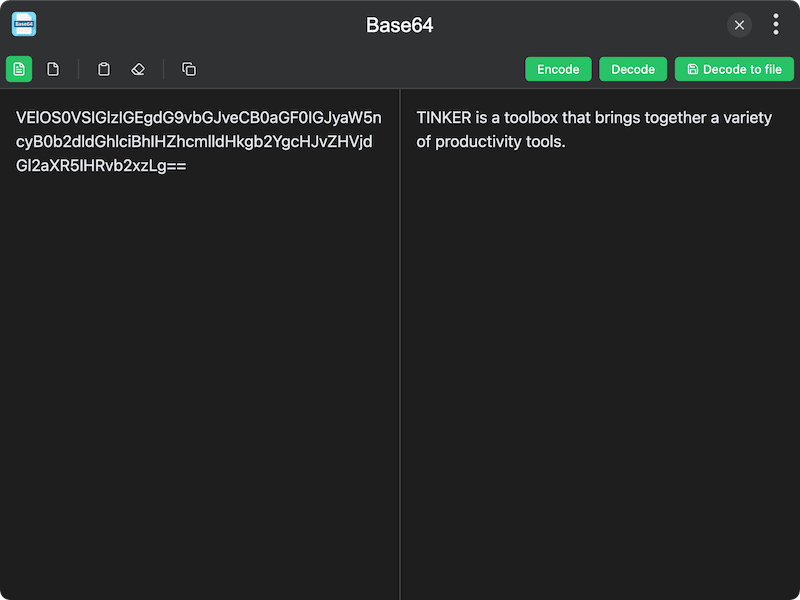
A Base64 encoder/decoder plugin for TINKER, supporting both text and file encoding.
Features
- Text mode — encode and decode Base64 strings
- File mode — encode files to Base64, with optional Data URL output
- Decode to file — save decoded Base64 data as a file
- Clipboard support — paste text or files from clipboard, click output to copy
- Web Worker — heavy encoding runs in a background thread for better performance
Usage
Text Mode
- Select Text mode in the toolbar
- Enter text or a Base64 string in the input panel
- Click Encode to convert text to Base64, or Decode to convert Base64 back to text
- Click the output to copy it to the clipboard
File Mode
- Select File mode in the toolbar
- Select a file to encode
- The Base64 result appears in the output panel
- Optionally enable Data URL to include the MIME type prefix
- Click the output to copy it to the clipboard