
tinker-video-cropper
A video cropping plugin for TINKER, with interactive region selection and FFmpeg export.
Features
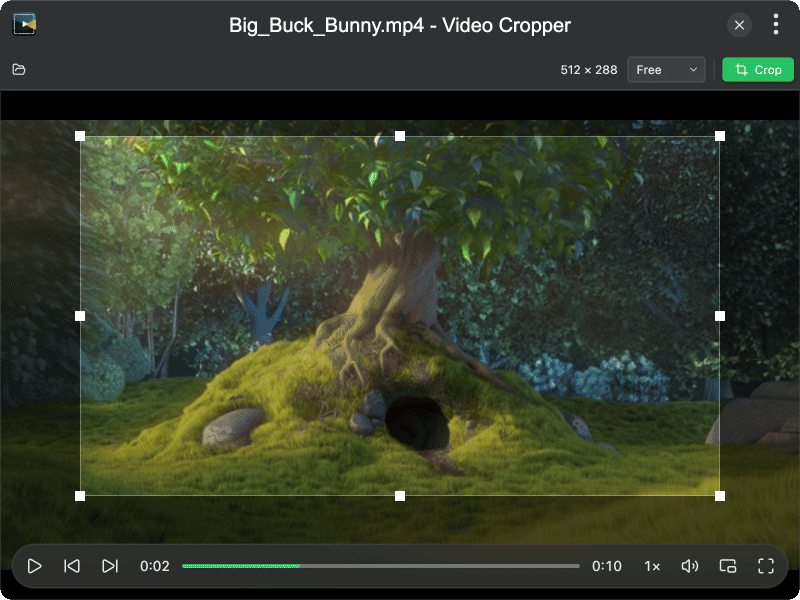
- Interactive cropping — drag and resize a crop region over the playing video
- Aspect ratio presets — Free, Original, 1:1, 4:3, 3:2, 16:9
- Custom crop size — set exact crop width and height in pixels
- Drag and drop — drop a video file onto the window to open it
- Format support — MP4, WebM, MOV, MKV, and more
- FFmpeg export — crop and save via FFmpeg, with progress feedback
- Overwrite or save as — save to a new file or overwrite the original
Usage
- Click the open area (or the toolbar open button) to load a video, or drag and drop a video file
- Drag the crop box on the video to select the region to keep
- Optionally choose an aspect ratio preset or set an exact crop size from the toolbar
- Click Crop and choose where to save the result
- When finished, the cropped video opens in the editor for further adjustments