
tinker-screen-tester
A screen tester plugin for TINKER, with fullscreen solid colors and patterns for dead pixels, backlight bleed, and banding.
Features
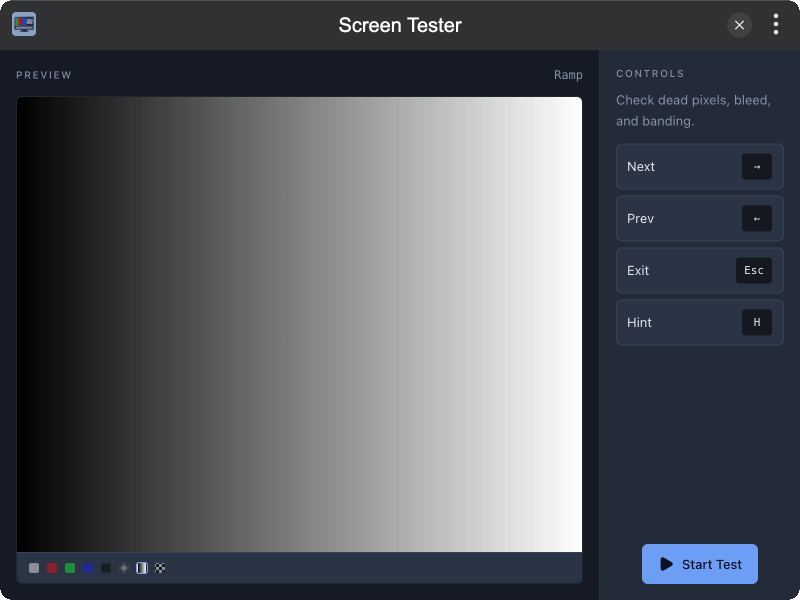
- 8 Test Patterns covering white / RGB / black, light bleed, gray ramp, and checkerboard
- Fullscreen Mode for accurate dead-pixel and bleed inspection
- Live Preview cycling through all patterns before you start
- Simple Controls — ← → to switch, click / right-click, Esc to exit, H for hint
Installation
Download and install TINKER, then run:
bash
npm i -g tinker-screen-testerUsage
- Open the plugin and check the preview pane for the available patterns
- Click Start Test to enter fullscreen
- Use ← / → (or click / right-click) to step through patterns
- Press H to show the current pattern name, Esc to exit fullscreen