
tinker-ai-image
An AI image generation plugin for TINKER that creates and edits images using configured AI image providers.
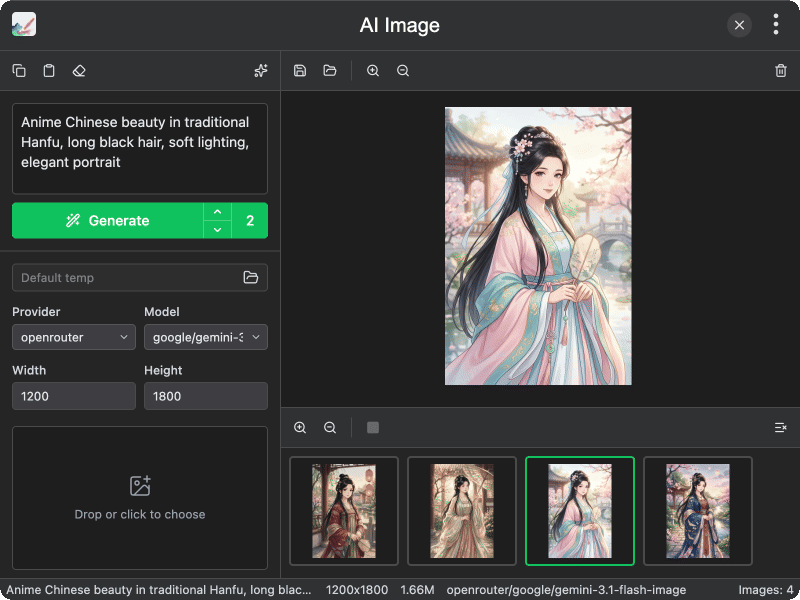
Features
- Multi-provider support — generate images with providers configured in Settings → AI → Image
- Prompt tools — copy, paste, clear, and AI-powered prompt optimization
- Image editing — set an init image to edit existing pictures instead of generating from scratch
- Reference images — add up to 4 reference images for style or content guidance
- Size & count control — customize width, height, and batch count (1–4)
- Task queue — enqueue multiple generation jobs and stop running tasks
- Gallery — preview results, save as, show in folder, delete, or clear all
- Output directory — choose where generated images are saved, or use the default temp folder
Usage
- Configure at least one image provider in Settings → AI → Image
- Select a provider and model from the sidebar
- Enter a prompt describing the image you want to generate
- Optionally set an init image for editing, or add reference images
- Adjust width, height, and count as needed
- Click Generate — results appear in the gallery
- Save, open in folder, or reuse a result as the init image