
tinker-electron-screencast
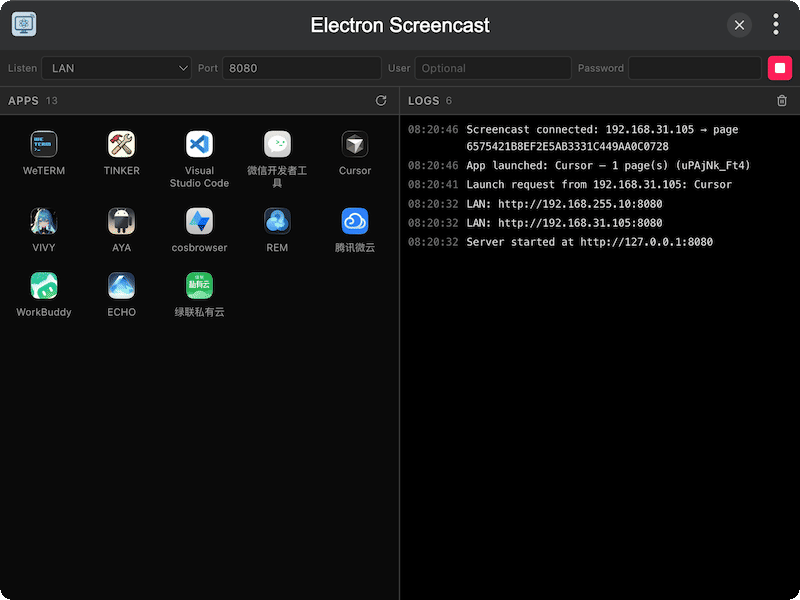
A LAN screencast server plugin for TINKER, for remotely launching and controlling Electron apps from another device on the same network.
Features
- LAN HTTP server with configurable host, port, and optional Basic Auth
- Auto-detect Electron apps installed on the system
- Remote launch apps from a browser on another device
- Screencast control via CDP — mouse, keyboard, scroll, and text insert
- Multi-window picker when an app has more than one page
- Connection logs for starts, LAN URLs, and client activity
- Theme & language follow Tinker settings on the remote page
Installation
Download and install TINKER, then run:
bash
npm i -g tinker-electron-screencastUsage
- Configure listen address / port / optional username & password
- Click Start and note the URL in the logs (LAN addresses are listed too)
- On another device in the same LAN, open the URL in a browser
- Log in if auth is enabled, then pick an Electron app
- If multiple windows appear, choose one; control it via the screencast canvas