
tinker-screen-recorder
A screen recorder plugin for TINKER, allowing you to record a desktop screen or application window to a video file.
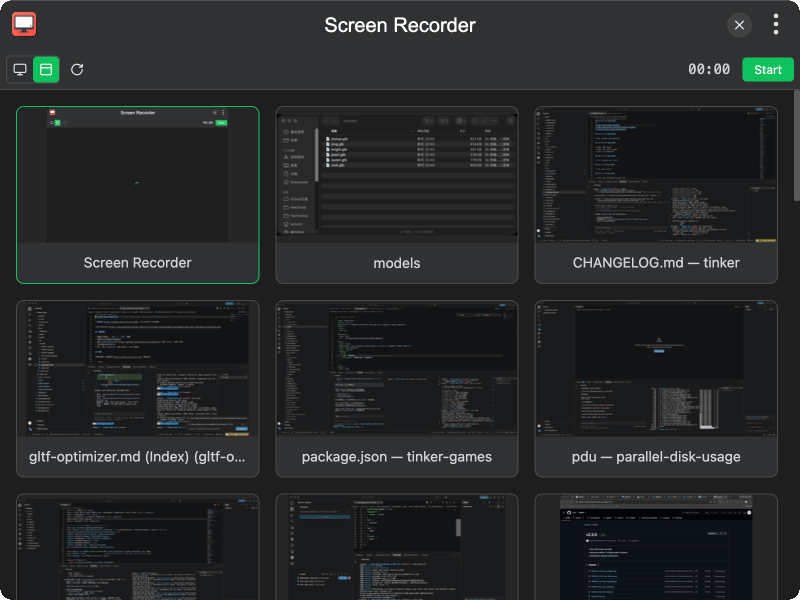
Features
- Screen & window capture — choose between full-screen or individual window sources
- Source picker — browse available capture sources with live thumbnails
- Refresh sources — reload the list of screens and windows at any time
- Live preview — watch the capture in real time while recording
- Recording timer — displays the current recording duration in real time
- Playback preview — review the recorded video before saving
- Save as WebM — export the recording as a WebM video file
Usage
- Select Screen or Window in the toolbar to choose the capture type
- Click a source thumbnail to select what to record (use Refresh if the list is outdated)
- On macOS, grant Screen Recording permission in System Settings if prompted
- Click Start to begin recording
- Click End to stop recording
- Preview the recording with the built-in video player
- Click Save to export as a WebM file, or Cancel to discard it