
tinker-mouse-tester
A mouse tester plugin for TINKER, with real-time button, scroll, and movement visualization.
Features
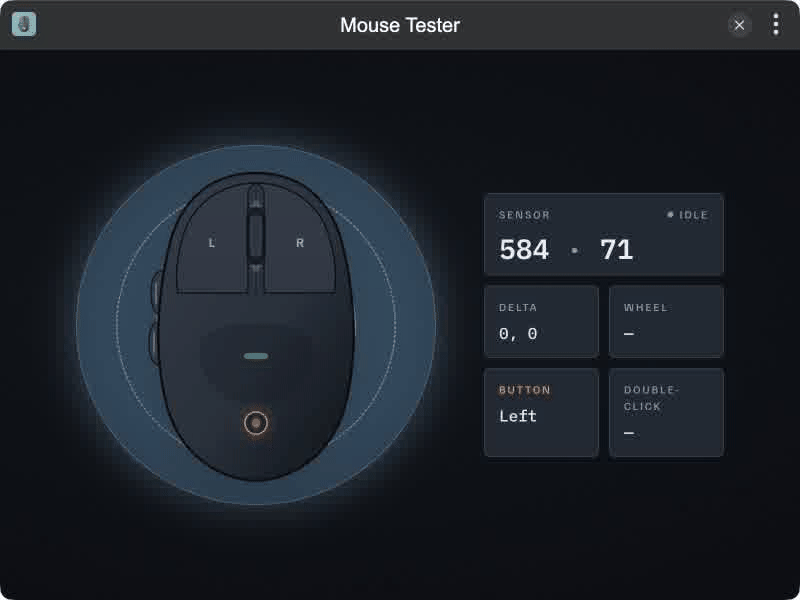
- Button Visualization for left, middle, right, and side buttons (4 / 5)
- Scroll Wheel up/down feedback on the mouse diagram
- Live Telemetry for cursor position, movement deltas, and double-click detection
- Optical Pad UI with sensor tracking indicator
Installation
Play directly in browser, or install via TINKER:
bash
npm i -g tinker-mouse-testerUsage
- Open the plugin and move the cursor inside the window
- Click left / middle / right buttons to see them light up on the diagram
- Use side buttons (back / forward) and the scroll wheel to test extra inputs
- Check the right-hand panel for position, delta, scroll direction, and double-click status