
Live2D
A Live2D desktop pet plugin for TINKER. Import local Cubism 2 / 3–4 models and run them as always-on-top companions.
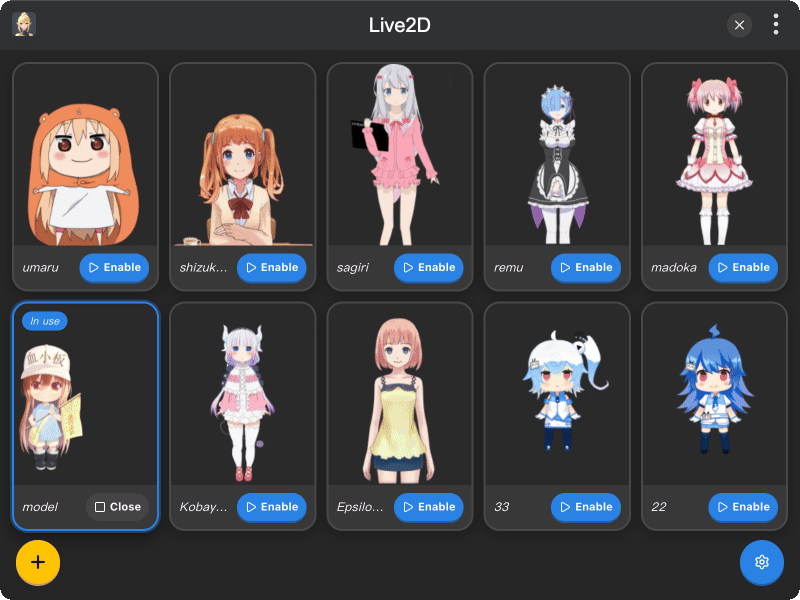
Features
- Local models — Cubism 2 (
model.json/index.json) and Cubism 3–4 (.model3.json), via drag & drop or file picker - Preview & name — confirm each import with a live preview and editable display name
- Desktop pet — transparent always-on-top window; drag to move; scale and opacity in Settings
- Gaze tracking — looks toward the cursor; resets when the pointer leaves
Installation
First, download and install TINKER, then run the following command:
bash
npm i -g tinker-live2dUsage
- Drop a model folder (or entry
.json) onto the window, or click Add model - Preview the model, optionally edit the name, then click Add
- Click Enable on a card to show the pet on the desktop
- Drag the pet to move it; adjust size, opacity, and always-on-top in Settings
Models are stored under ~/.tinker/tinker-live2d/models/.