
tinker-dos
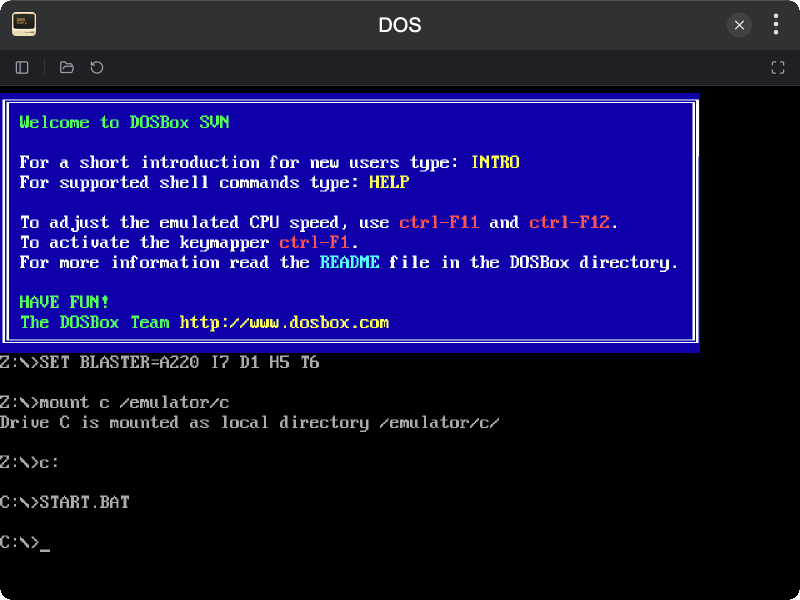
A DOS emulator plugin for TINKER, powered by em-dosbox.
Features
- DOS Emulation powered by em-dosbox, boots into a
C:\>prompt on open - Program Loading via file picker or drag and drop (
.exe/.com/.bat/.zip) - Reset support
- Fullscreen mode
- Play History sidebar with recent programs
Installation
Download and install TINKER, then run:
bash
npm i -g tinker-dosUsage
- Open the plugin — DOS starts at the
C:\>prompt - Click OPEN PROGRAM to load a
.exe,.com,.bat, or.zipfile, or drag and drop it onto the screen - Click RESET to restart the current program
- Click FULLSCREEN to enter fullscreen mode
- Toggle the SIDEBAR to browse recent programs