
tinker-mailbox
An email client plugin for TINKER, with IMAP receive (imapflow) and SMTP send (nodemailer).
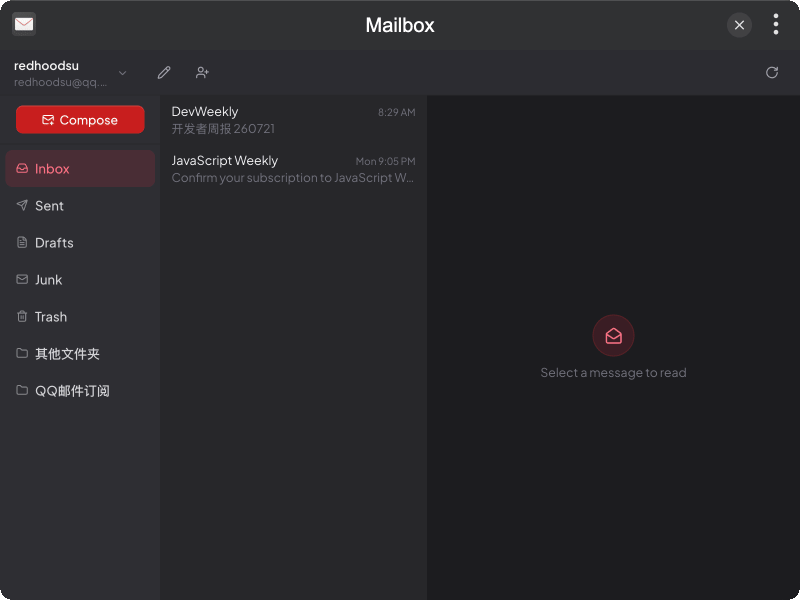
Features
- Multi-account IMAP/SMTP setup with presets for Gmail, Outlook, QQ, 163, and more
- Folder browsing with local cache, idle sync, and pull-to-load older messages
- Message reading for plain text and HTML mail
- Compose & send with rich-text formatting (bold, lists, font size, etc.)
- Move & delete messages via context menu (trash or permanent delete)
- MCP Tools for listing accounts/folders/messages, reading mail, and sending from the CLI
Installation
Download and install TINKER, then run:
bash
npm i -g tinker-mailboxUsage
- Add an email account and fill in IMAP/SMTP settings (or use a provider preset from the email domain)
- Select a folder in the sidebar to browse messages
- Click a message to read it; right-click to move or delete
- Click Compose to write and send a new message
- Use the toolbar to switch accounts, edit settings, or refresh the current folder