
tinker-office
An Office document editor plugin for TINKER, powered by the local OnlyOffice stack from onlyoffice-web-local.
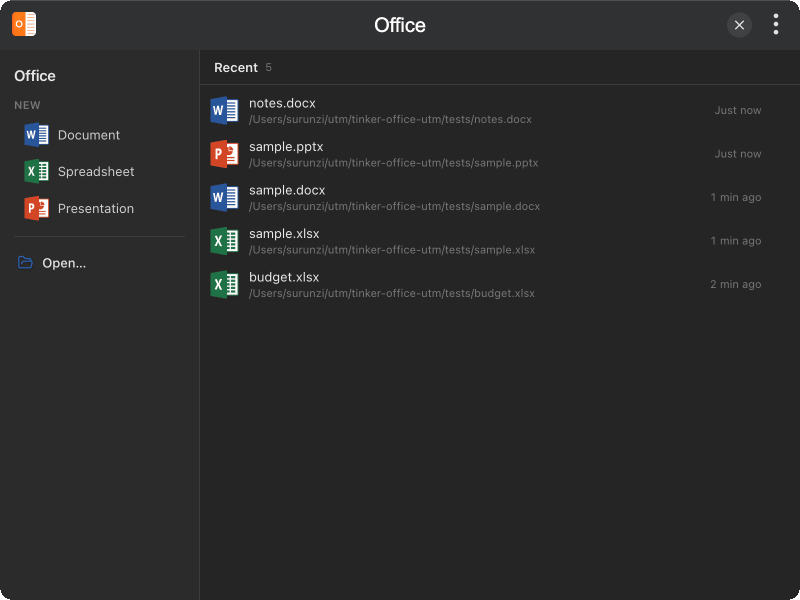
Features
- Word / Excel / PowerPoint — open and edit
.docx,.xlsx,.pptxand related Office formats - New documents — create blank Document, Spreadsheet, or Presentation from the start screen
- Recent files — quick reopen list synced across editor windows
- Separate editor windows — each file opens in its own frameless window
- Fully local — conversion via x2t WASM, no document server required
Installation
Download and install TINKER, then run:
bash
npm i -g tinker-officeUsage
- Open the plugin and use New to create a blank Word, Excel, or PowerPoint file
- Click Open… (or drag a file onto the window) to edit an existing document
- Recent files appear on the right — click to reopen, or remove items from the list
- Edit in the OnlyOffice toolbar; save with the editor’s save action when prompted
- Close an editor window with the close button on the title bar