
tinker-clipboard-sync
A clipboard sync plugin for TINKER, enabling clipboard sharing between host and VM via shared files.
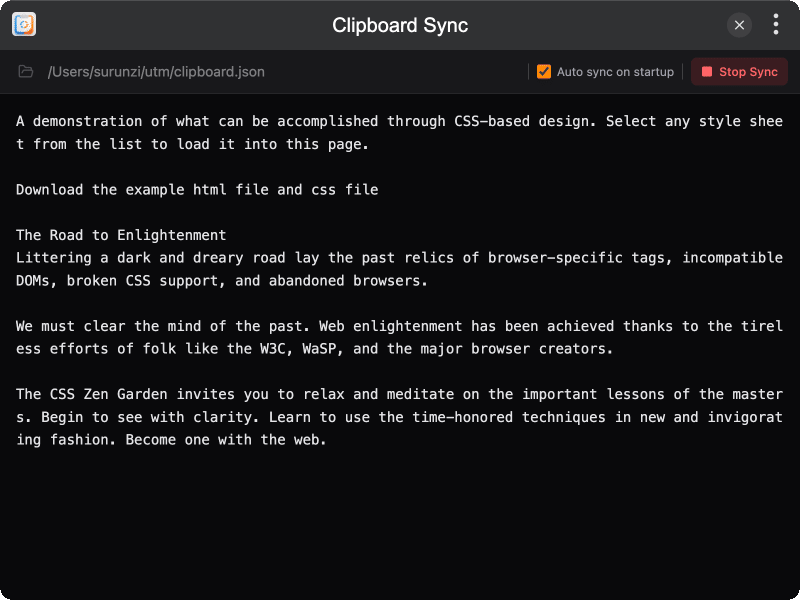
Features
- Bidirectional sync clipboard content between host and VM through a shared JSON file
- File-based approach works reliably across different VM environments (UTM, Parallels, etc.)
- Real-time polling detects clipboard and file changes automatically
- Auto sync option to start syncing on plugin launch
- i18n support for English and Chinese
Installation
Download and install TINKER, then run:
bash
npm i -g tinker-clipboard-syncUsage
- Enter or browse to select a shared file path accessible by both host and VM
- Click "Start Sync" to begin clipboard synchronization
- Copy text on either side — it will automatically appear on the other
- Optionally enable "Auto sync on startup" for automatic syncing