
tinker-search-all
Unified search plugin for TINKER, searching files, apps, and plugins from one place.
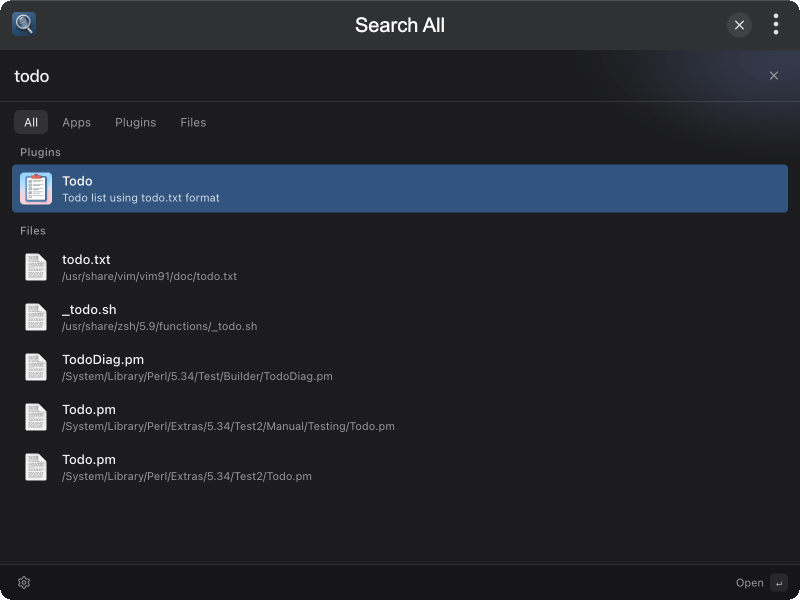
Features
- Unified Search — Search files, apps, and plugins from one place
- Category Tabs — Filter by All / Apps / Plugins / Files
- Recent Items — Quickly re-open recent results
- Keyboard Navigation — Use ↑↓ to select and Enter to open
- Global Hotkey — Summon or hide the window with a hotkey
- Close on Open — Optionally dismiss the window after opening a result
Installation
Download and install TINKER, then run:
bash
npm i -g tinker-search-allUsage
- Type a keyword to search files, apps, and plugins
- Use category tabs to narrow results
- Press ↑↓ to select an item, Enter to open it
- Press Esc to clear the query, or again to close the window
- Open Settings from the status bar to set a summon hotkey and close-on-open behavior
For the global hotkey to keep working after the window closes, right-click the plugin and enable Run in Background.