
tinker-radio
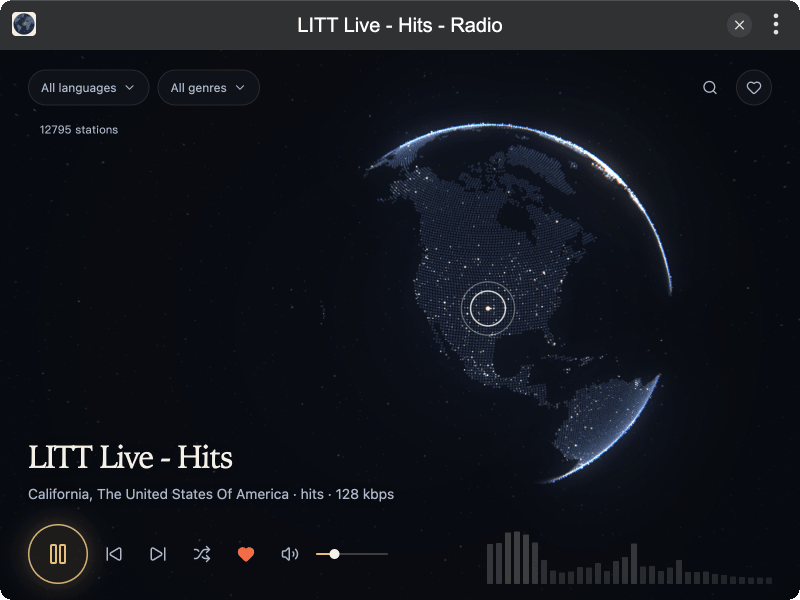
Search and play internet radio stations for TINKER. Stations are drawn on a night globe.
Features
- Night globe of stations, powered by WebGL — drag to turn, scroll to zoom, click a point to play
- Language and genre filters, remembered the next time you open the plugin
- Search by station name, place, or language
- Saved stations
- Playback with previous, next, random, volume, and mute
- Level meter while a station is playing
Installation
Play directly in browser, or install via TINKER:
bash
npm i -g tinker-radioUsage
- Press play for a random station, or click a point on the globe
- Filter by language or genre, or search from the top right
- Save a station with the heart, and open it again from the saved list
- Use Space to play or pause, and the arrow keys for the previous or next station
Data Source
Station data comes from Radio Browser.