
tinker-asar
Browse, edit, and extract Electron .asar archives. A plugin for TINKER.
Features
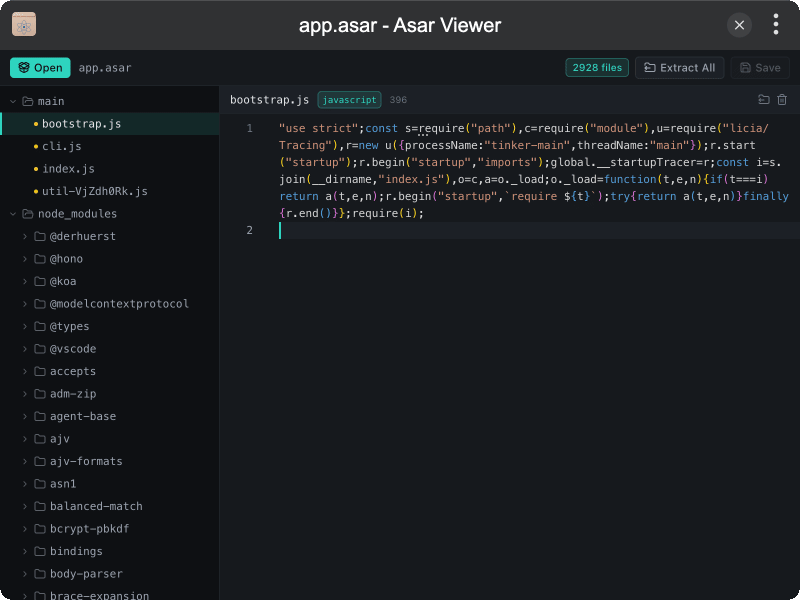
- Browse archives — open or drop a
.asarfile and explore the tree - Preview & edit text files in a Monaco editor; save changes back into the archive
- Create & delete files or folders from the context menu
- Extract the whole package or selected paths to a folder
- Unpacked markers — files living outside the asar (
.asar.unpacked) are labeled - MCP tools
open,list_files, andextractfor agent / CLI automation
Installation
Download and install TINKER, then run:
bash
npm i -g tinker-asarUsage
- Click Open (or drag in a
.asarfile) - Browse the file tree on the left; preview and edit text on the right
- Right-click a file or folder to extract, create, or delete
- Use Extract All to unpack the whole archive, or Save to write edits back